Femurize
 vs Speed Anatomy: Which Is Better for Med Students?
Femurize vs Speed Anatomy compared: body systems, study plan, reference pages, languages and price. A typing game or an exam-prep anatomy app? As of November 2026.
By Femurize · · Updated · 6 min read
In this article
If you are looking for a Speed Anatomy alternative, or deciding between Femurize and Speed Anatomy, the short answer is that they are built for different jobs. Speed Anatomy is a typing game for learning bone and muscle names on a 3D skeleton. Femurize is a 3D anatomy app built for exam prep: it covers more body systems, plans your study around your exam date, and backs every lesson with reference pages you can read and cite.
This comparison is based on what each product offers publicly as of November 2026. Products change, so check both sites for the latest.
Quick comparison
| Femurize | Speed Anatomy | |
|---|---|---|
| What it is | 3D anatomy app for exam prep | Typing game on a 3D skeleton |
| Body systems | Skull, full skeleton, heart, brain, mouth and teeth, muscles | Bones and muscles |
| Teeth | 28 teeth, answerable by FDI number | Not covered |
| Heart and brain | Heart (30 structures) and brain (69 structures) | Not covered |
| Study plan | Exam date, countdown and a daily goal | No exam date or study plan |
| Reading material | Reference pages for the skull and heart with clinical notes and cited sources, plus study guides | A short fact per bone in its atlas |
| Spaced repetition | Yes (Pro) | Yes |
| Languages | Full site in English and Spanish, guides and reference pages included | The game in several languages, including Spanish and French |
| Price | Free to start (one free lesson), Pro $7.99 a week or $39.99 a year for everything | Free, no account needed |
What Speed Anatomy does well
Credit where it is due: Speed Anatomy is a polished, free typing game. You can play without an account, the "bone of the day" with a shareable result grid is a fun daily habit, and typing names quickly on a 3D skeleton is a good way to warm up. If you only want a free game to drill bone names, it does that job well.
Where Femurize goes further
Exams in anatomy, physiology and dentistry ask about much more than the skeleton, and they ask on a date that is already on your calendar. That is where the two products differ.
More of the body, not just bones
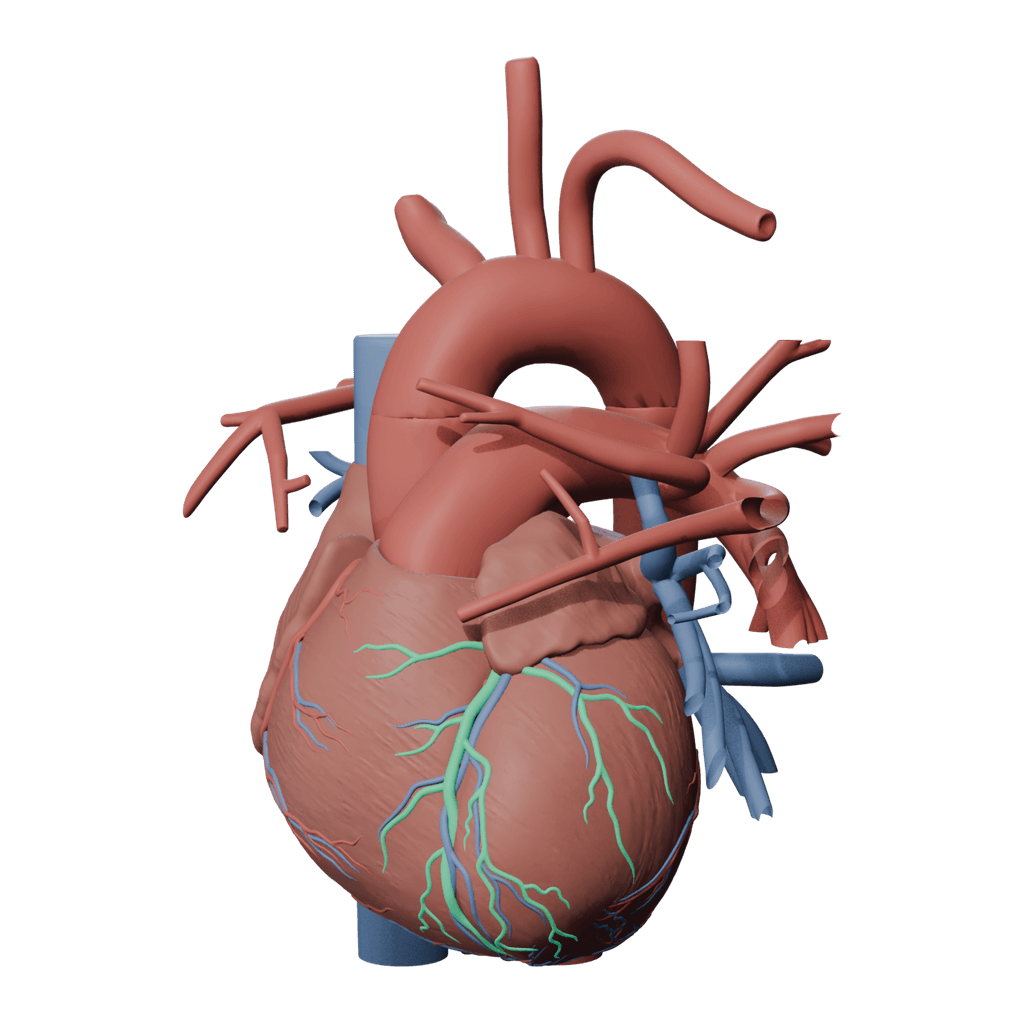
Femurize teaches the skull, the full skeleton, the heart, the brain, the mouth and teeth, and the muscles, each as its own 3D model. In the heart you name the coronary arteries, the great vessels, the valves and the papillary muscles. In the brain you name gyri, deep nuclei, the ventricles and the brainstem. Speed Anatomy covers bones and muscles. If your next exam includes the heart, the brain or the teeth, Femurize covers it and Speed Anatomy does not.
Built for dental students too
Dental students need the teeth by number. In Femurize's mouth and teeth model you name all 28 permanent teeth, and you can answer with the FDI number as well as the name, the way you will write them in clinic. You also learn the jaws and the chewing muscles in the same model.
A study plan around your exam date
When you start Femurize, you tell it what you study, your year and the date of your exam. The home screen then shows how many days are left and a daily goal, and the lessons come in an order that builds up to the full review. Speed Anatomy is organized as a game by body region, without an exam date or a study plan.
Lessons that teach, then test
Each Femurize lesson has two stages. First, the name appears as ghost text and you type over it, so you learn the correct spelling. Then the lesson asks again from memory: the structure lights up and you produce the name yourself. That second step is active recall, the study method with the strongest evidence behind it, which we explain in our guide to active recall and spaced repetition for anatomy. With Pro, the structures you miss come back on day 1, 3 and 7.
Reference pages you can read and cite
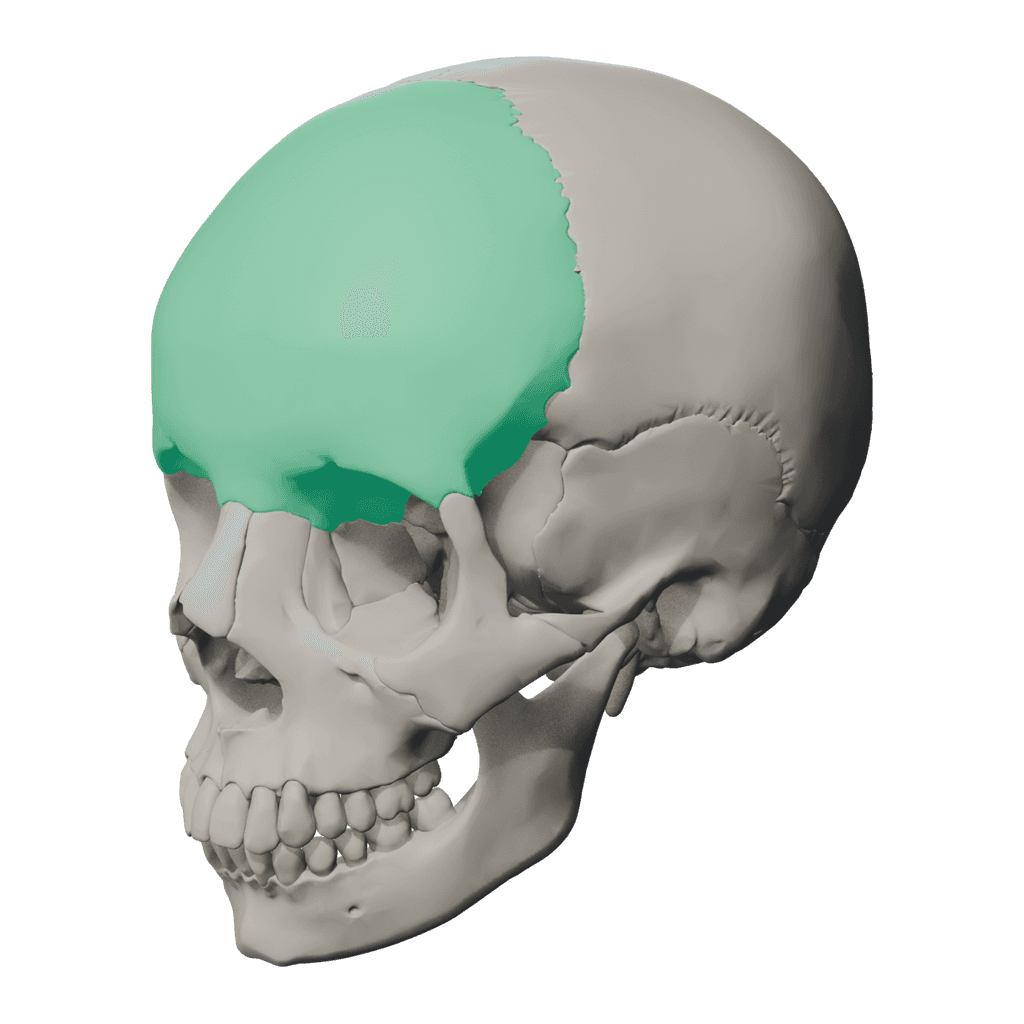
Femurize is more than a quiz. Each skull bone and heart structure has its own reference page with its location, landmarks, relations, clinical notes and the sources we checked. For example, see the pages on the frontal bone, the mitral valve or the right coronary artery. Longer study guides, such as all 22 bones of the skull and the facial bones, go deeper and end in a 3D quiz. Speed Anatomy's atlas gives a short fact per bone, which suits a game but not exam revision.
A complete Spanish experience
Femurize is fully bilingual. Every lesson, the study plan, and every guide and reference page has a real Spanish version written for Latin-American students, with Spanish anatomical names, not a translated label. Speed Anatomy offers its game in several languages, including Spanish.
Price, honestly
Speed Anatomy is free as of November 2026, and you can play without an account.
Femurize is free to start: with a free Google account you get one free lesson to try it. Pro opens the whole body (every bone, muscle, vessel and organ, the brain included), spaced-repetition review and the exam tools: a day-by-day exam plan, mock exams and practical questions, for $7.99 a week or $39.99 a year (about $0.76 a week). For a student preparing an exam that covers the brain, Pro is the part that saves time: one app for the whole syllabus, with a plan to the exam date.
Which one should you choose?
- You want a free game to practice bone names for fun: Speed Anatomy is a good pick.
- You are preparing an exam in medicine, dentistry or another health career: choose Femurize. It covers the heart, the brain, the teeth and the muscles as well as the skeleton, plans your study around your exam date, and gives you reference pages to read before you test yourself.
- You study in Spanish: Femurize gives you the full app, the guides and the reference pages in Spanish.
Many students use more than one tool. If you already play a typing game, Femurize is the step from "I know the bone names" to "I am ready for the exam".
Frequently asked questions
Is Femurize a Speed Anatomy alternative?
Yes. Both teach anatomy names on 3D models by typing. Femurize adds the heart, the brain and the teeth, a study plan with your exam date, and cited reference pages, so it works as an exam-prep alternative.
Is Femurize free?
It's free to start. With a free Google account (no credit card) you get one free lesson to try it. Pro opens the whole body and every tool, spaced-repetition review and the exam tools (a day-by-day exam plan, mock exams and practical questions) included; see Femurize Pro for the current plans.
Does Femurize work on a phone?
Yes. Femurize runs in the browser on any phone or computer, at femurize.com, with nothing to install, and every screen is designed for a phone first.
Can I use both?
Yes. They don't conflict. A quick typing game can be a warm-up, and Femurize can be where you prepare the exam itself: the full syllabus across body systems, a plan to your exam date, and reference pages to read before you test yourself.
What does a Femurize lesson look like?
A lesson takes a few minutes. The 3D model turns, one structure glows, and you type its name. Wrong letters show at once, so you fix a misspelling before it sticks. After the first pass, the same structures come back from memory, and the lesson ends with a summary of what you got right and what to review.
Where do the 3D models come from?
Both products build on public anatomical 3D data; Femurize's models are derived from BodyParts3D. Femurize lists the license and the exact parts it uses on its about page.
Sources
- Speed Anatomy: Learn the bones by typing them (public website, checked November 16, 2026) · speedanatomy.app
- Speed Anatomy Terms of Service (checked November 16, 2026) · speedanatomy.app
- Improving Students' Learning With Effective Learning Techniques (Dunlosky et al., 2013) · Psychological Science in the Public Interest
- BodyParts3D · The Database Center for Life Science (DBCLS)
Written and reviewed by the Femurize team for study purposes. It is not medical advice.